You can start WordCraftVillage in under a minute, but the way you start changes what gets saved and how your learning progresses. This guide explains the most reliable onboarding path so you can avoid early friction, keep your data safe, and build a stable daily quiz rhythm from day one.
1. Choose your learning target first
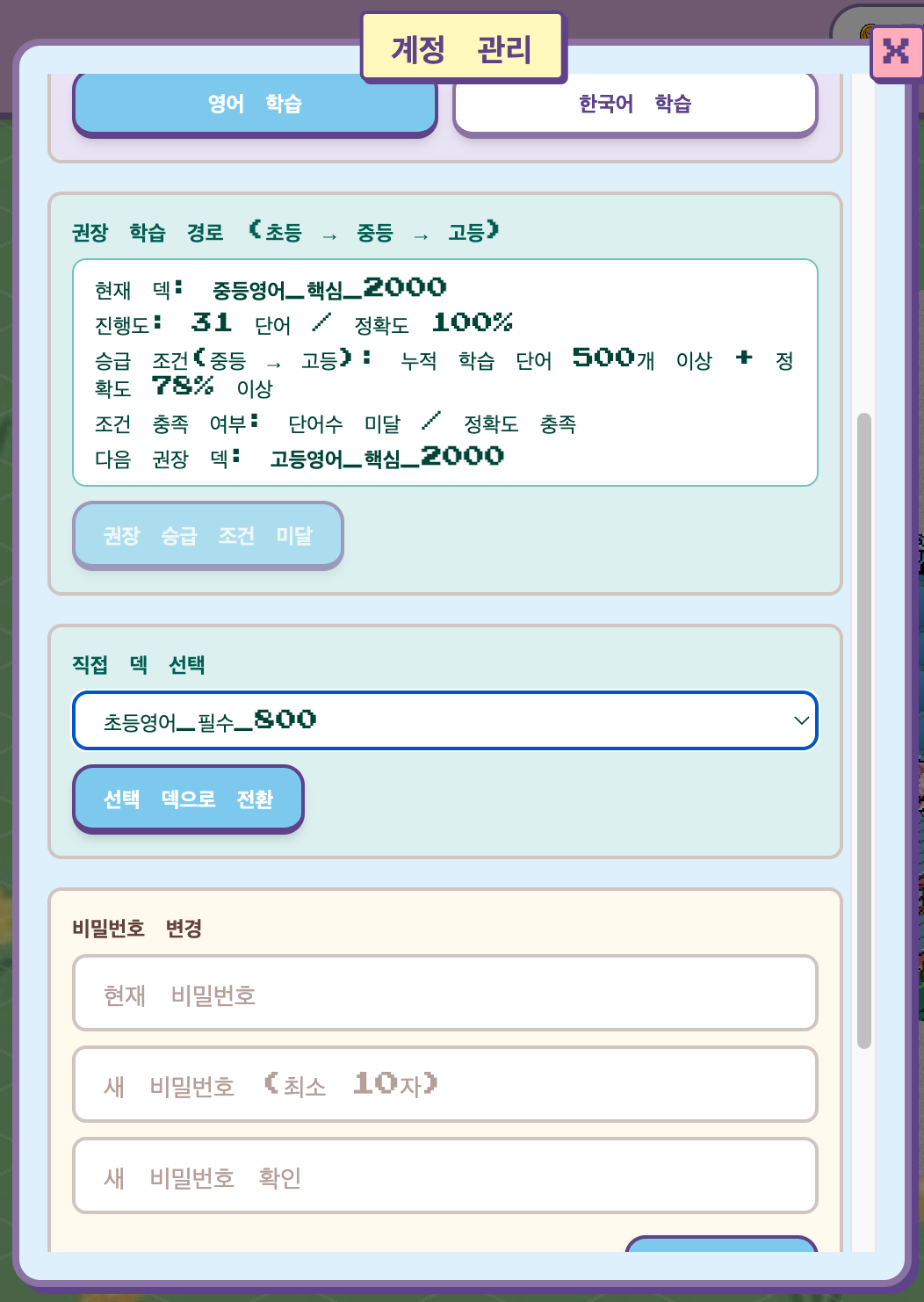
On the landing page, decide your current target language before entering `/play`. This affects quiz direction, default UI language, and TTS routing. If your goal changes later, you can switch in Account settings, but starting with the right target avoids unnecessary profile resets.
2. Understand guest vs login clearly
| Mode | Best for | Saved data |
|---|---|---|
| Guest | Fast trial without account setup | Temporary session only |
| Login | Long-term learning and progression | Profile, town, wallet, quests, stats, review data |
3. Follow a first-week routine that survives busy days
- Day 1-2: Keep sessions to 5 minutes and finish one complete loop.
- Day 3-4: Prioritize review cards and avoid excessive new words.
- Day 5-6: Check accuracy and adjust deck if overload appears.
- Day 7: Keep the same duration and focus on consistency score.
Your first objective is not speed. It is repeatability. If you can complete this one-week rhythm, progression becomes much easier to sustain.
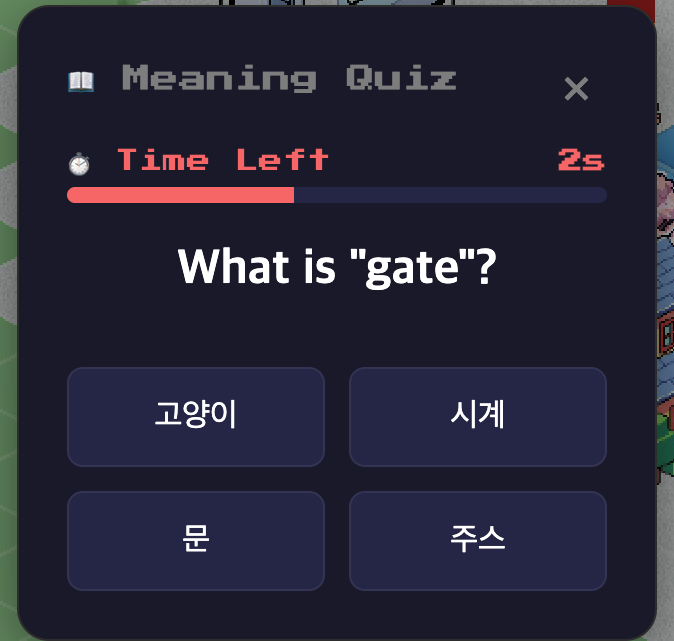
4. Visual onboarding checkpoints
5. Common onboarding mistakes
- Choosing a hard deck immediately and burning out after two days.
- Ignoring review cards and only solving new questions.
- Staying in guest mode after deciding to study long term.
- Trying long sessions first instead of stable short sessions.