2026-03-18 · 3 min read
When guest mode is enough
Guest mode lets you start instantly with zero setup. It is ideal for a first-time experience when you want to explore quizzes, see how the village works, and test the difficulty level before committing.
In guest mode, your current session data lives in your browser. You can play quizzes, earn gold, build structures, and experience the core loop without creating any account. This makes the entry barrier as low as possible.
What guest mode saves and what it does not
Guest mode saves your progress temporarily in the browser's local storage. This means your village layout, gold balance, and recent quiz results are available as long as you return to the same browser without clearing data.
However, guest data is not synced to a server. If you switch devices, clear your browser, or use incognito mode, your progress will not follow. There is no recovery mechanism for guest data because no account exists to attach it to.
When to login
If you care about progress history, deck progression, and cross-session continuity, login is the right move. Login connects your learning profile to a server account that persists across devices and browsers.
Login syncs your learning profile, village state, wallet balance, quest progress, and full review history so every session builds on the previous one. This is essential once you start caring about long-term vocabulary growth.
What happens when you switch from guest to login
When you create an account after playing as a guest, the system preserves your current session data and links it to your new profile. You do not start from zero.
After login, all future sessions are automatically synced. Your village layout, earned currency, review statistics, and quest completions are stored securely and accessible from any device.
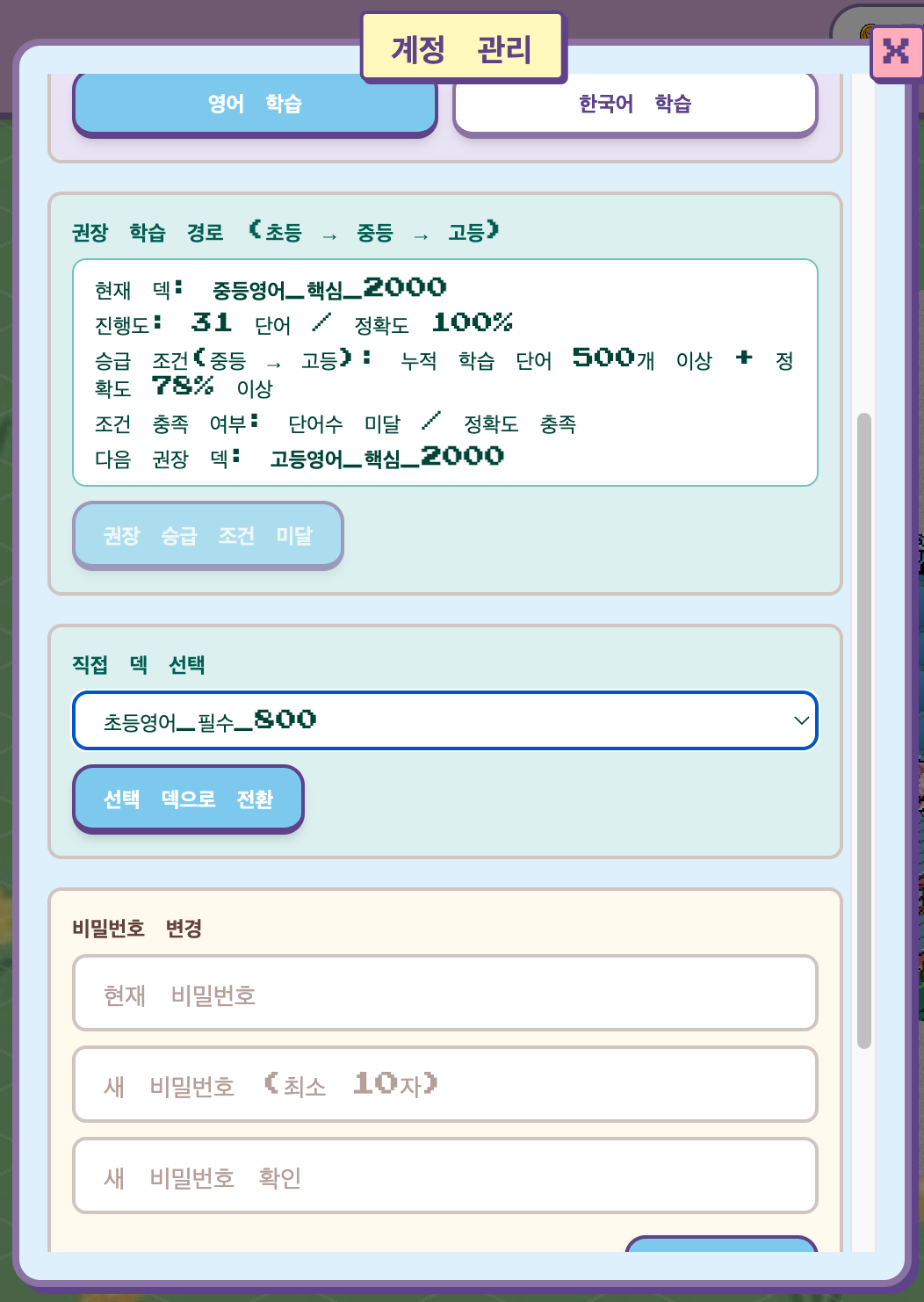
Login options available
WordCraftVillage supports email registration and Google OAuth login. Email registration includes email verification for account security. Google login is the fastest option if you already have a Google account.
Both methods give you the same full feature set: persistent profiles, review history tracking, cross-device sync, and access to all deck and quest features.
Recommendation for new users
Start as a guest to test the experience. Play one or two quiz rounds and explore the village. If the loop feels good and you want to continue, create an account within the same session to preserve your initial progress.
Do not wait too long to switch. The longer you play as a guest, the more data is at risk of being lost through accidental browser data clearing or device changes.